By Yashashwi Singhania, maker of Arras. Sources checked .
At a glance
- Desktop focus
- ArrasPhotos, slideshows, visual references and desktop collages.
- WidgetWallPhotos alongside tools including clocks, timers, notes and calendars.
- Image arrangement
- ArrasMove and resize each picture in a collage, then move the whole group by its background.
- WidgetWallOffers a Photos widget alongside Video and customizable desktop stickers.
- How to get it
- ArrasFree MIT-licensed download or a one-time Mac App Store purchase.
- WidgetWallFree to start with additional widgets available through in-app purchases.
Start with the kind of desktop you want
If you want a desktop dashboard with a clock, timers, notes and a few pictures, WidgetWall covers more of that checklist in one place. If the pictures are the composition, Arras gives them the most room to work. Set each image’s size and look, keep its proportions, and decide which pictures should move together.
What an editable collage changes
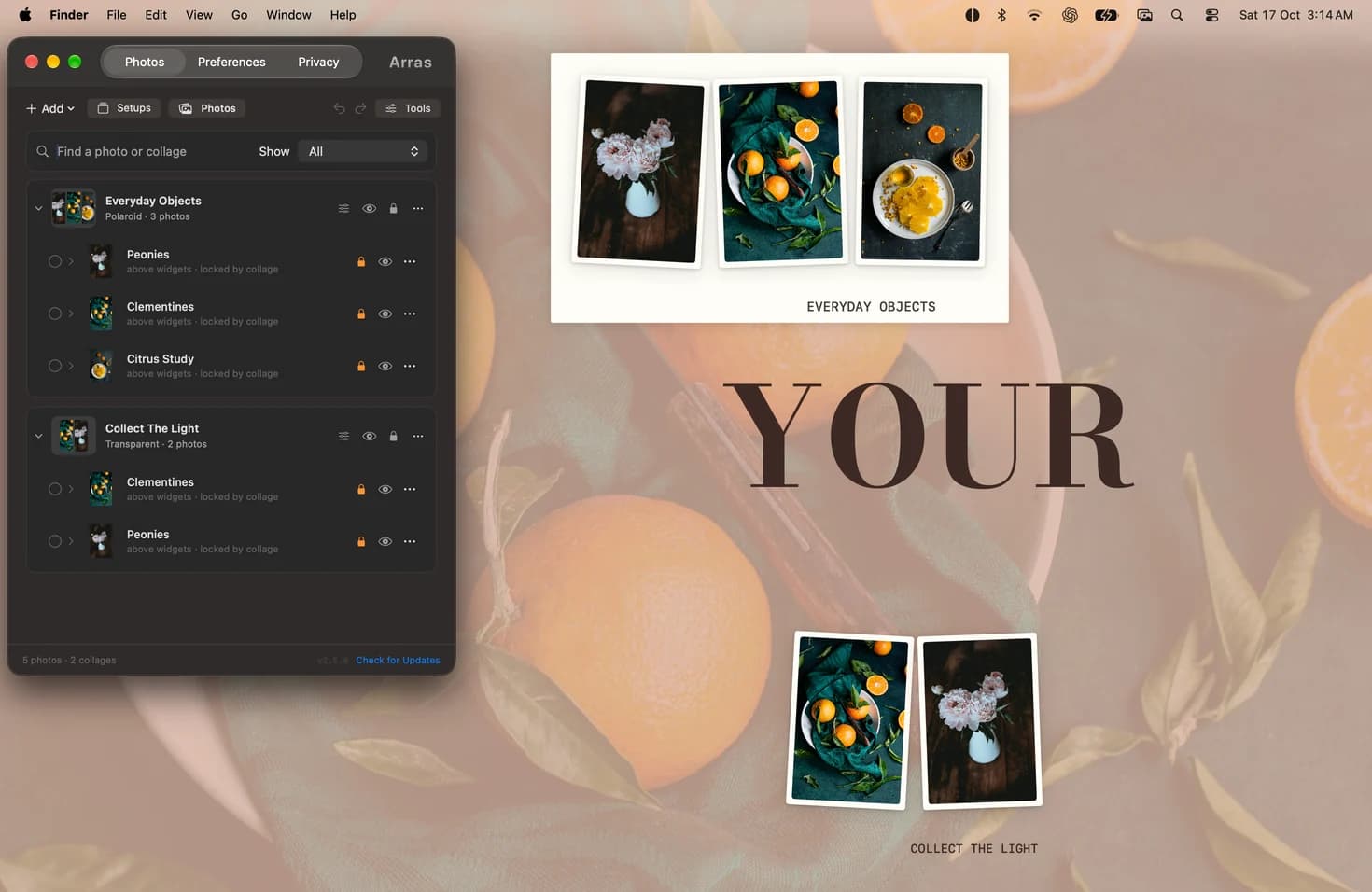
A desktop collage in Arras is a group of individually editable photos. Drag the background to move the group out of the way, then resize a single member when you need to see it more clearly. Add a caption to the collage or place text beside an image, and save the arrangement as a Setup.
A useful way to try Arras
Add three images of different proportions and group them into one collage. Try a paper background for a photo wall, or a transparent background to let the wallpaper show through. Keep a separate slideshow outside the group so it can rotate independently.
Make an editable Mac desktop collage →
Sources
More comparisons
Arras vs Apple’s Photos widget on Mac →
Arras vs Smart Photo Widget for Mac →
Arras vs PureRef for floating reference images →