Arras guides
Put an uncropped photo on your Mac desktop, make an editable collage, or keep reference images above your apps.
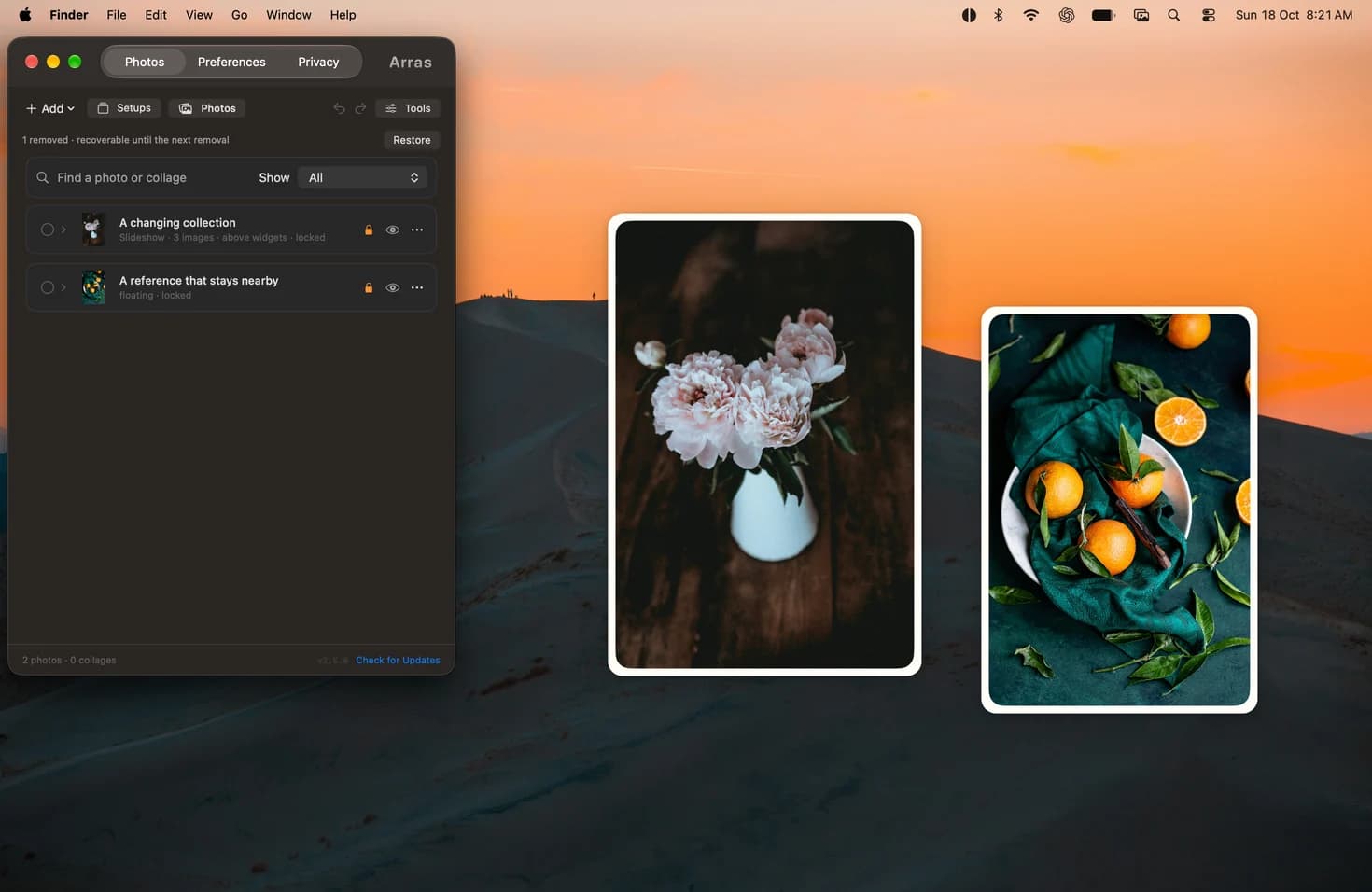
Pin a photo on your Mac desktop without cropping
Add a photo from Finder and pin it to your Mac desktop with Arras. Resize a portrait, landscape or panorama without cropping the picture.
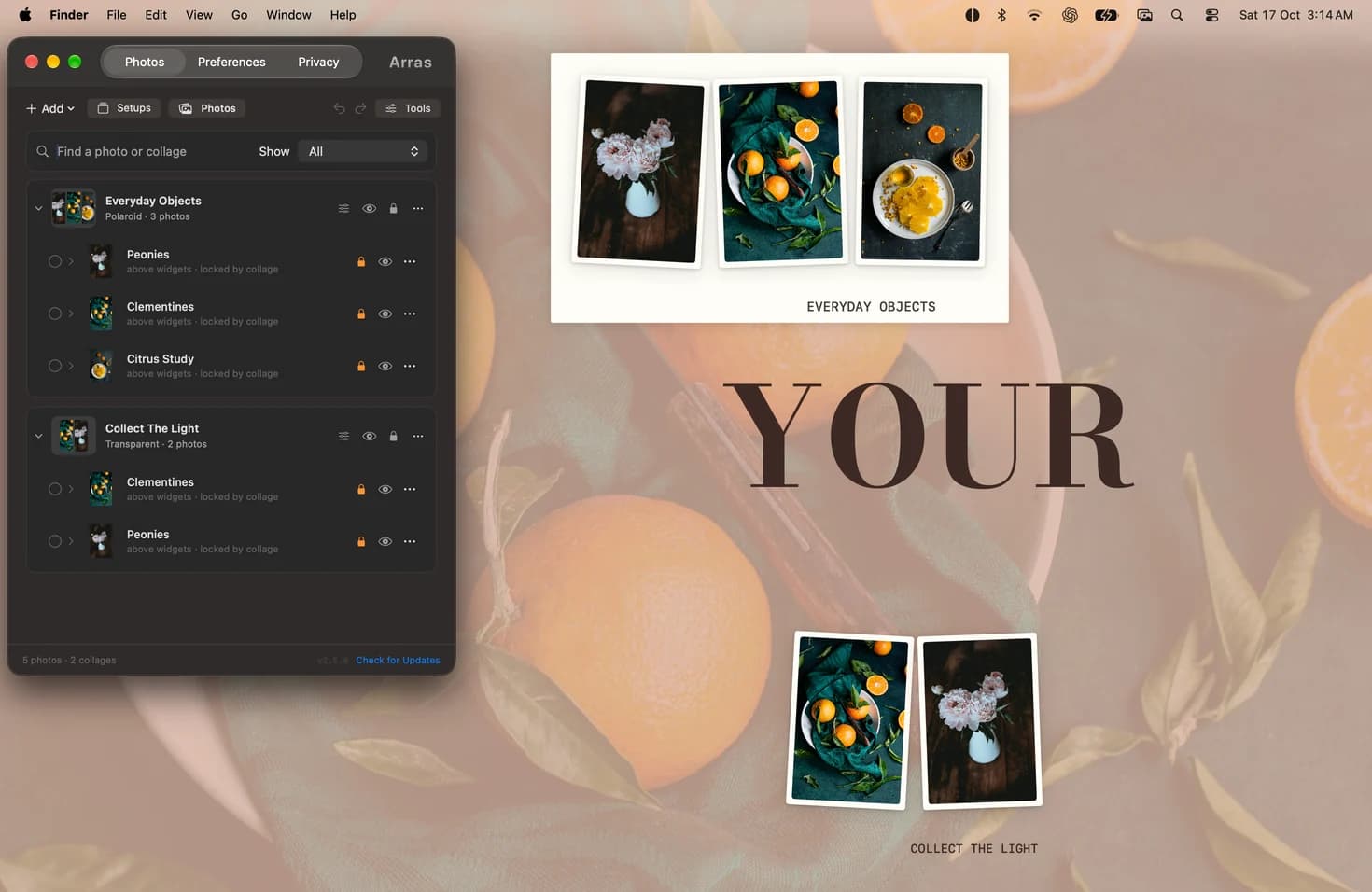
Make an editable photo collage on your Mac desktop
Arrange a live Arras collage with independent photos, captions and alignment guides. Move the group, resize its members and save the desktop as a setup.
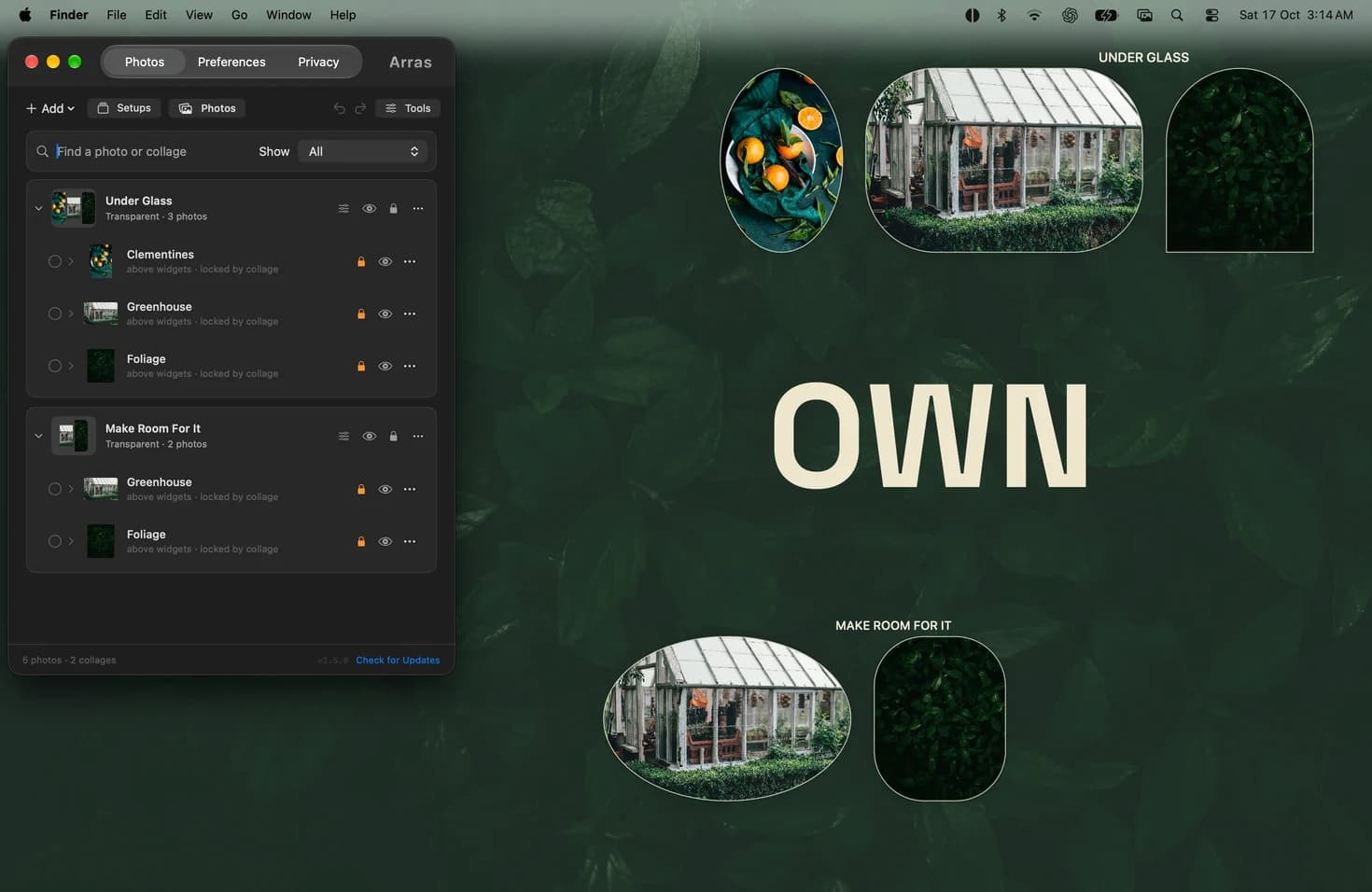
Pin a photo above other windows on Mac
Keep a photo or reference image visible above your Mac apps. Float it from the Arras menu bar, then resize it or lock it in place.