By Yashashwi Singhania, the maker of Arras. Updated .
Float a photo from the menu bar
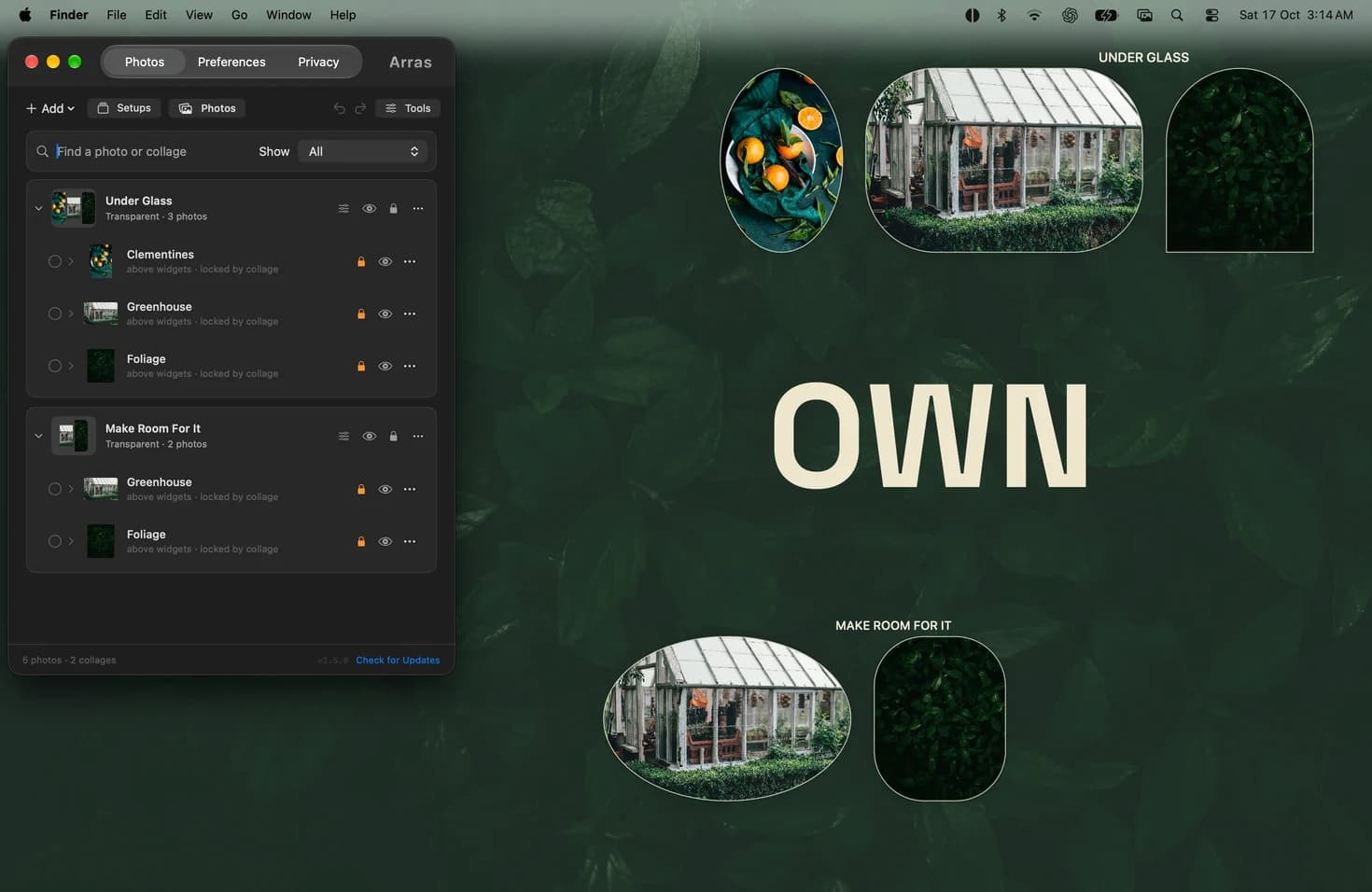
Add a photo in Arras. Click the Arras icon in the menu bar, open Widgets, find your photo and select Float Above Windows. You can also set Depth to Floating in the photo’s Settings controls. Resize it from a corner and lock the position once it is where you want it.
Choose Pin to Desktop from the same menu to return the photo to the desktop. For several references, put them in a collage and set Depth to Floating in Edit Collage. Pin to this Space controls which desktop shows the photo. Use Floating when you want it to sit above app windows.
Keep the source and your edits
Reference Tools provides a non-destructive crop, quarter-turn rotation, flips and grayscale, plus a note and source link. These edits keep the managed original. You can also enable Paste as Widget, Add PDF Page and Capture Screen Region in Preferences → Menu bar.
Screen-region capture needs macOS Screen Recording permission. Ordinary local photo widgets do not need Accessibility or Full Disk Access. Hide private reference images before sharing your screen: capture exclusion is a compatibility request and some recorders can still include visible widgets.
Save a reference arrangement
Keep different projects in named Setups and export a backup when you want to transfer a layout. Arras focuses on desktop images, collages and slideshows. It does not provide drawing, OCR, an infinite canvas or collaboration.
Choose the free download or Mac App Store edition →
Arras feature documentation ↗ · Setup questions · Privacy and permissions