By Yashashwi Singhania, maker of Arras. Sources checked .
At a glance
- Show an exact photo
- ArrasImport a file directly, or choose a specific photo from your library.
- PhotoWidget by Vatsal VaghasiyaChoose a particular image or shuffle an album from the widget’s settings.
- Fit the picture
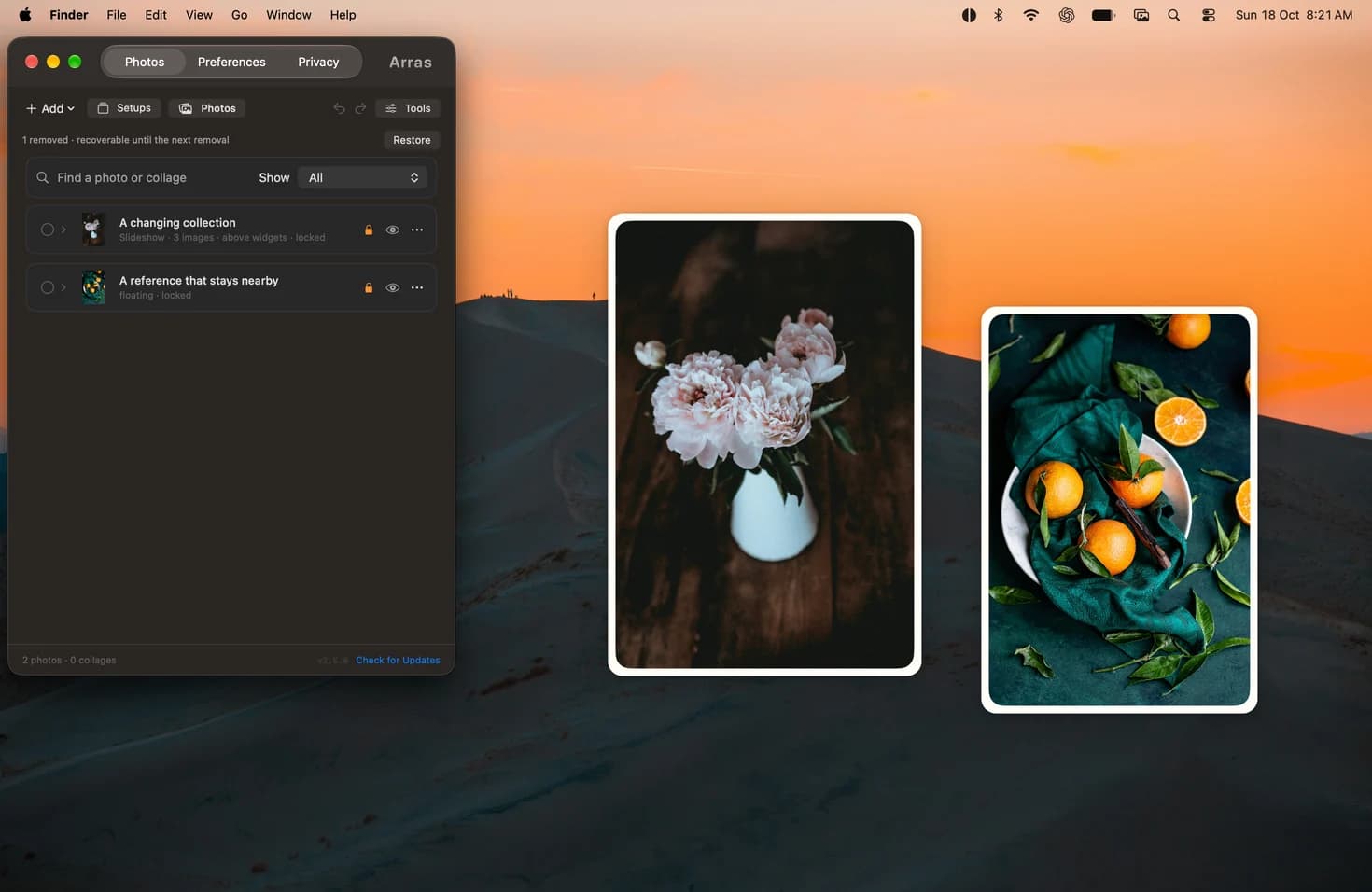
- ArrasThe window follows the picture’s proportions in Dynamic sizing.
- PhotoWidget by Vatsal VaghasiyaFit preserves the picture within a fixed widget; Fill makes the image cover it.
- Desktop integration
- ArrasArrange independent panels, choose their depth and save named setups.
- PhotoWidget by Vatsal VaghasiyaAdd macOS widgets in four standard sizes through Edit Widgets.
When WidgetKit is a good fit
Vatsal Vaghasiya’s PhotoWidget is a good option when a photo should live in the same system widget grid as Weather or Calendar. You can select an exact picture, choose how it scales, and create a separate widget that shuffles a collection.
When the widget should follow the image
A tall portrait may look best with a tall window, and a panorama may need a much wider one. Arras uses independent windows so those two pieces can be resized and arranged by hand. Set one to Floating if it should stay next to an app while the other remains on the desktop.
Choose the license and installation you prefer
Both projects have MIT-licensed source. Arras offers a signed and notarized direct download as well as an optional Mac App Store edition. See each project’s installation instructions for how to install and update the release you choose.
Set up uncropped photo widgets →
Sources
More comparisons
Arras vs Apple’s Photos widget on Mac →
Arras vs Smart Photo Widget for Mac →
Arras vs WidgetWall for Mac desktop widgets →